WordPress powers a large share of the web, but it is not always the right starting point for a busy real estate agent. Between hosting setup, plugin maintenance, theme configuration, and security updates, a WordPress site can become a side project instead of a business tool.
If you want a real estate website that is free, fast to launch, and easy to maintain without touching code, there are better options. Here is how the main alternatives compare for agents.
Why agents look past WordPress
WordPress is flexible, but flexibility comes with responsibility. To launch a basic agent site you typically need to:
- Buy hosting and a domain
- Install a real estate theme or page builder
- Add plugins for contact forms, SEO, and image galleries
- Handle updates and backups yourself
For agents who want to publish a listing in minutes and share a link before a buyer loses interest, that workflow is too slow.
The main free alternatives
These are the tools agents most often consider when they want a simpler path:
- Realty.bio — Built specifically for real estate agents and listings.
- Google Sites — Free with a Google account. Very basic, but fast.
- Wix — Popular drag-and-drop builder with a free plan.
- Squarespace — Polished templates, but no permanent free tier.
- Carrd — Extremely simple one-page sites, popular for link-in-bio use.
- Webflow — Powerful design control, but steeper learning curve.
What to compare them on
A generic website is not enough for real estate. Judge each option by how well it handles the work agents actually do:
- Speed to first listing — How fast can you publish a property page?
- Mobile editing — Can you update prices and photos from your phone?
- Real estate structure — Are there fields for price, location, bedrooms, bathrooms?
- Lead capture — Can buyers contact you directly from a listing?
- Free plan limits — How many pages, listings, or images are allowed?
- Branding control — Can you remove platform branding and use your own domain later?
How each option stacks up
Realty.bio
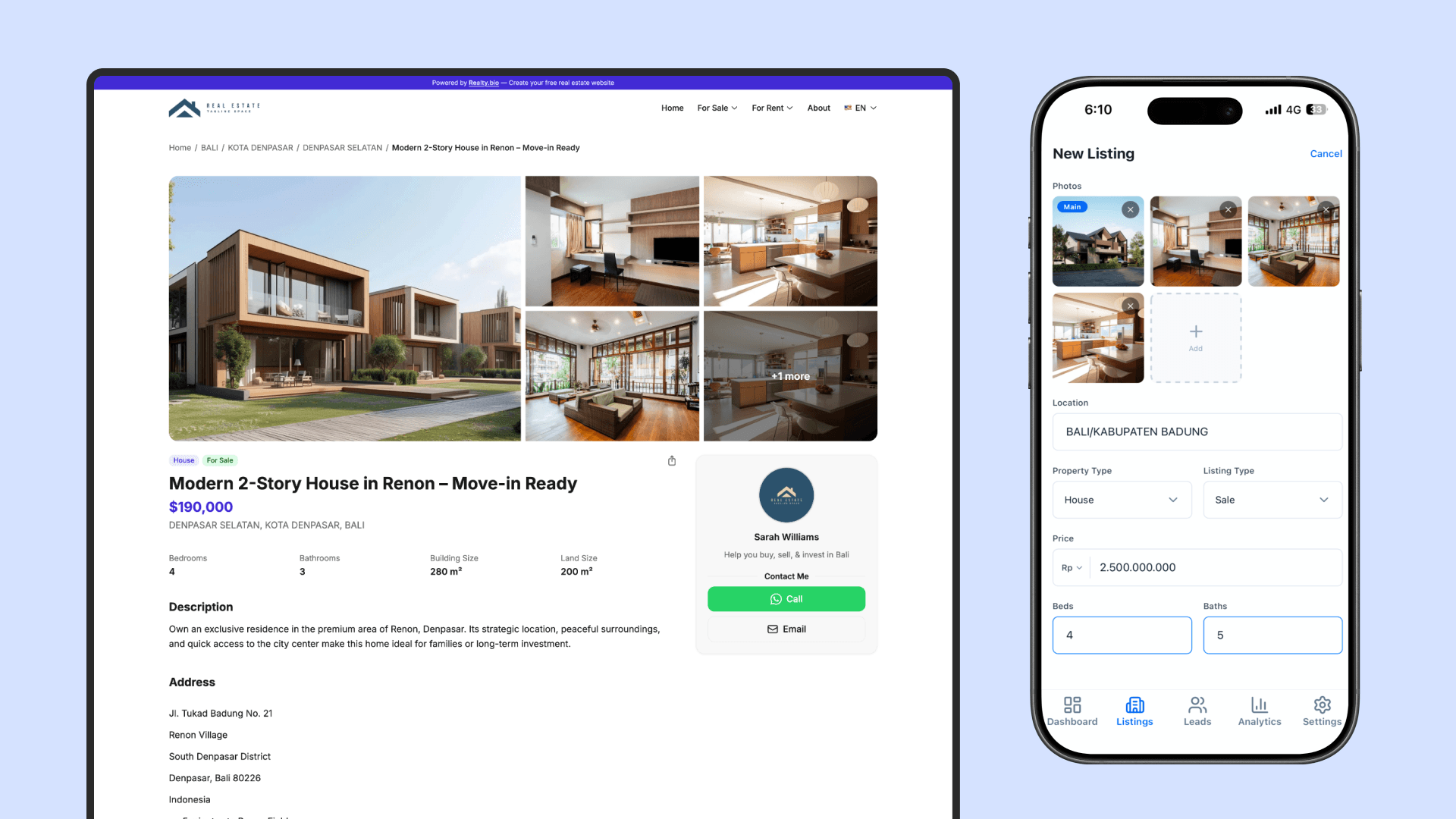
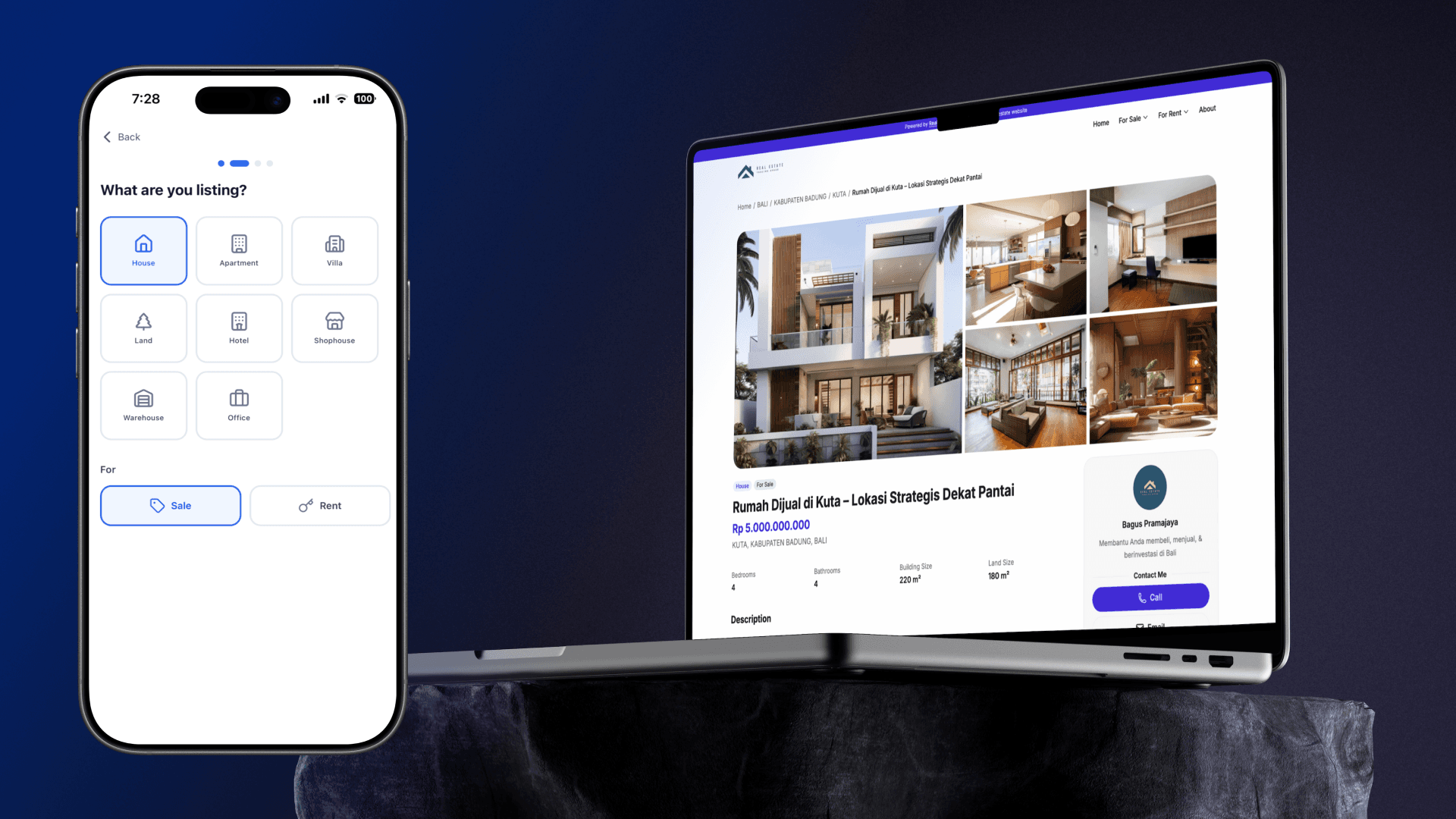
Realty.bio is designed around the agent workflow from the start. You create an account, choose a theme, and start adding listings with structured fields for price, location, photos, and property details.
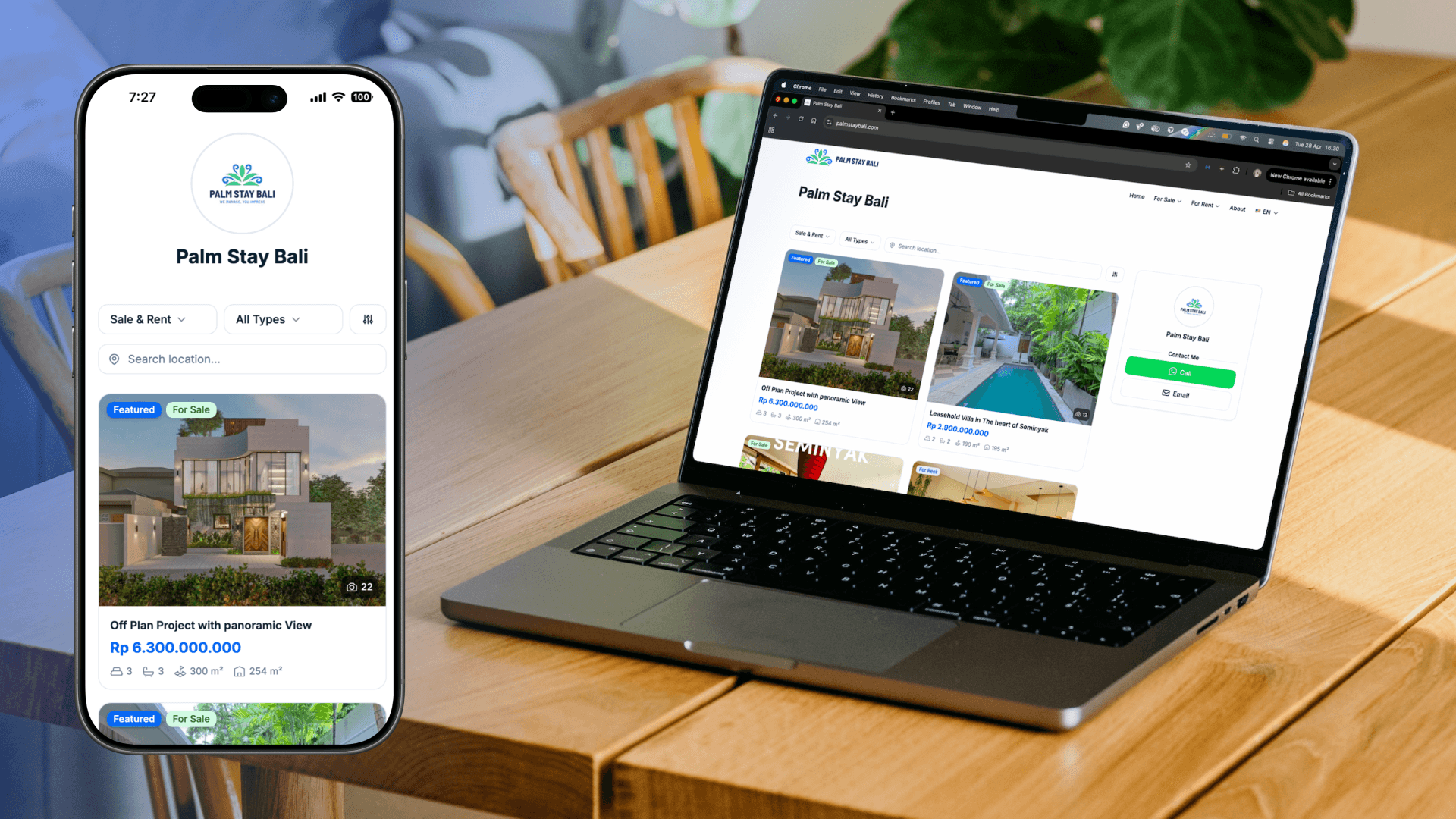
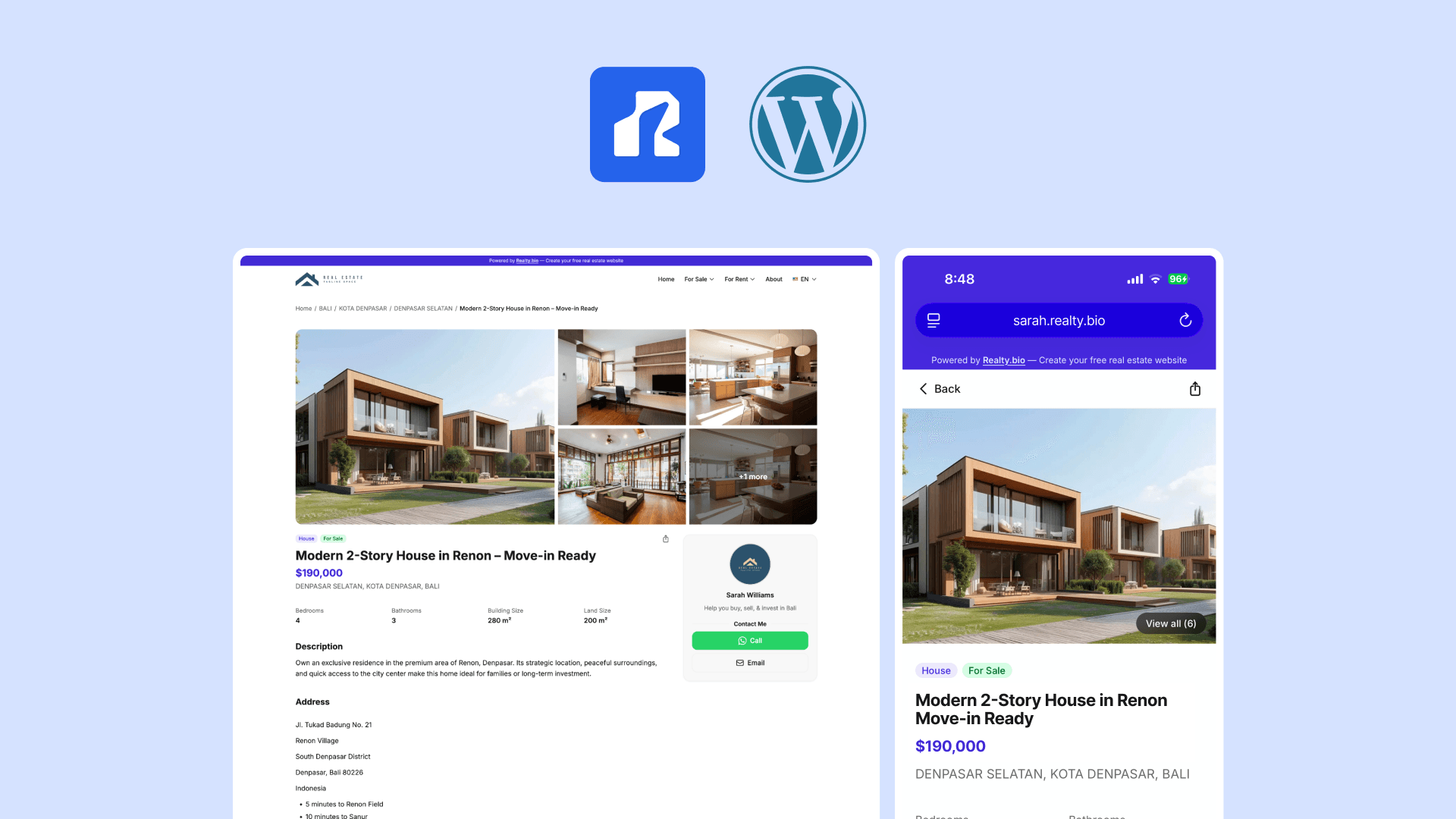
The free plan includes a live site on a yourname.realty.bio subdomain, mobile-first editing, direct WhatsApp and call buttons on every listing, and basic analytics. There is no hosting to configure and no plugins to manage.
The trade-off is less generic design flexibility. You cannot turn Realty.bio into a restaurant website or a portfolio. It is built specifically for real estate agents, which is exactly why it is faster for that use case.
Google Sites
Google Sites is genuinely free and easy to set up. You can create a simple property page with text and images in under an hour.
The downside is that it has no real estate-specific structure. Listings are just generic pages. There is no built-in lead capture beyond a basic contact form, and the design options are limited. It works for a very simple presence, but it does not scale with an active listing pipeline.
Wix
Wix offers more design control and real estate templates. The drag-and-drop editor is visual, and you can add contact forms, galleries, and basic property pages.
On the free plan, your site lives on a Wix subdomain with Wix branding. The editor is desktop-focused, so updating a listing from your phone is difficult. For agents who live on mobile, that is a significant limitation.
Squarespace
Squarespace produces beautiful sites, and its templates are professional. There is no permanent free plan, only a trial. That makes it less useful for agents who want to stay free until the site proves its value.
Like Wix, it is built for desktop editing. It can work for real estate with custom page setups, but it was not designed for agents who need to publish listings while moving between properties.
Carrd
Carrd specializes in simple one-page sites. It is fast, inexpensive, and great for a personal profile or link-in-bio page.
It is not built for multiple listings or property search. If you need more than a single page with a few properties shown as images, you will outgrow Carrd quickly.
Webflow
Webflow gives you near-unlimited design control. You can build a custom real estate site with CMS-driven listings, advanced animations, and precise layout control.
That power comes with complexity. Webflow has a learning curve, and the free plan limits are tight for a listing-heavy site. It is a strong choice for designers or teams with technical support, but overkill for most individual agents.
Quick comparison
| Feature | Realty.bio | Google Sites | Wix | Squarespace | Carrd | Webflow |
|---|---|---|---|---|---|---|
| Truly free plan | Yes | Yes | Yes | No (trial only) | Yes | Yes (limited) |
| Mobile editing | Yes | Limited | Limited | Limited | Limited | Limited |
| Real estate fields | Built-in | No | Partial | Partial | No | Custom setup |
| Direct lead capture | WhatsApp + call | Basic forms | Forms | Forms | Basic | Custom |
| Custom domain on free | No (upgrade) | No | No | No | No | No |
| Speed to first listing | Fast | Slow | Moderate | Moderate | Fast | Slow |
Which one should you choose?
- Choose Realty.bio if you want to publish listings quickly, edit from your phone, and capture buyer leads without setup friction.
- Choose Google Sites if you only need a single simple page and do not plan to scale.
- Choose Wix if you want more design control and mostly work from a desktop.
- Choose Squarespace if you are ready to pay from day one for polished templates.
- Choose Carrd if you just need a personal profile or link-in-bio, not a listing site.
- Choose Webflow if you have design experience and want total control.
Start with what you will actually use
The best free real estate website is the one that stays current. If updating it feels like a chore, buyers will see outdated listings and lose trust.
Pick the tool that matches how you work. If that means building and updating from your phone, with real estate fields ready from the start, the choice becomes simple.