You just got a new listing. The photos are on your phone, the viewing is booked, and now comes the part most agents quietly dread: writing the description. You open the box, type "Beautiful 3-bedroom home in a strategic location," delete it, and stare. Multiply that by every property you list in a month, and writing copy becomes the slow, repetitive task wedged between a new listing and a published page.
This is exactly the gap an AI listing description generator is built to close. If you have been comparing AI tools for a listing description generator, the real question is not which one writes the prettiest paragraph. It is which one gets a finished, search-ready listing in front of buyers fastest — without leaving you to copy text between five different apps.
That is the part Realty.bio focused on with its AI listing description generator: the copy is the start of the workflow, not the end of it.
What agents actually want from a listing description generator
Most "write my listing" tools sell speed. Speed matters, but it is not the whole job. When an agent looks for a generator, what they really need is:
- A draft that does not sound like every other listing on the portal
- Copy that fits the property, not a generic template
- A title and description ready for search, so the listing is easier to find
- Text they can reuse on a portal, a website, Instagram, or WhatsApp
- A way to do all of it from a phone, between showings
- A finished page buyers can actually contact them from
The first few items are about saving time. The last one is about getting a reply. A description only earns its keep when it turns a scroll into an enquiry.
Why most AI listing tools stop at the clipboard
Run a search and you will find plenty of free generators. You paste in the bedrooms and bathrooms, click a button, and get a tidy paragraph. Useful — but then what?
With most tools, the answer is "copy it out and paste it somewhere else." The description lands in your clipboard and your real work begins: open the portal, paste, reformat, add photos, then repeat the whole thing on Instagram and in your WhatsApp replies. The generator never sees the listing again, and it certainly never helps you capture the buyer who reads it.
That disconnect is the quiet cost of a standalone tool. Great copy that lives in a clipboard does not get you a single enquiry.
How the Realty.bio AI listing description generator works
Realty.bio keeps the generator inside the place the listing actually lives. The flow is three steps:
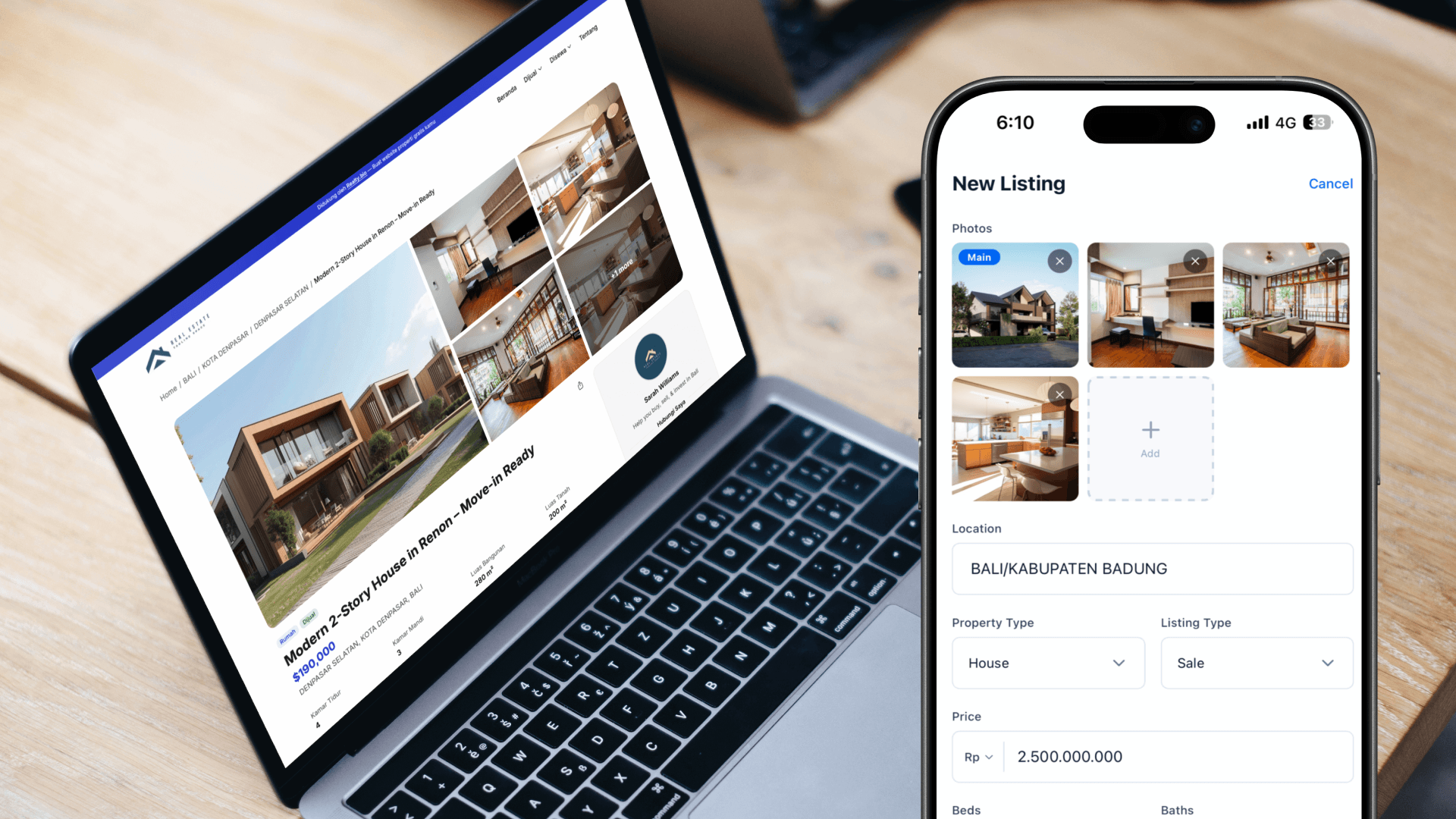
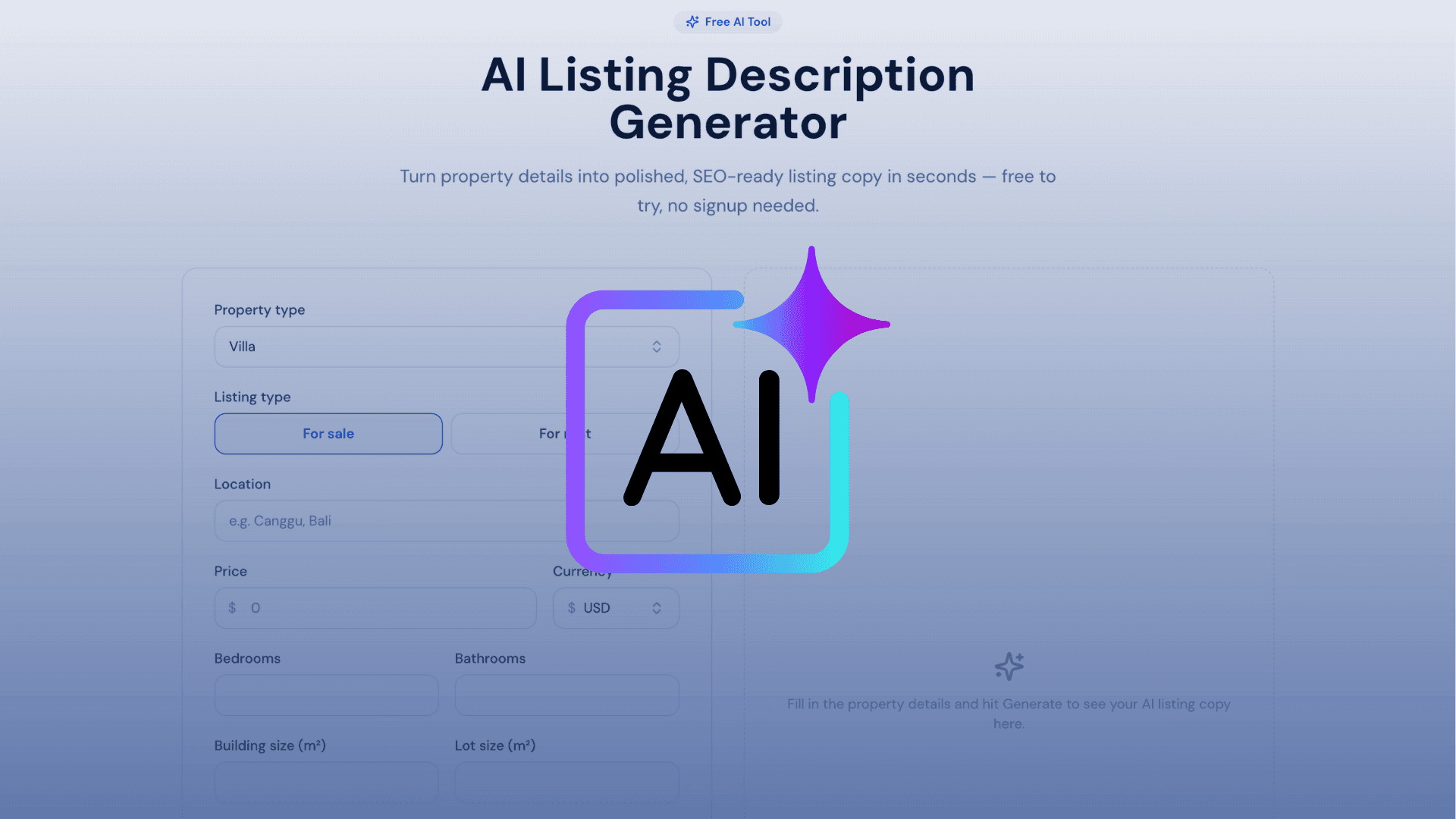
- Enter your property details. Property type, sale or rent, location, price, bedrooms and bathrooms, building and lot size, and the key features that matter.
- Generate with AI. Pick a tone that fits the property — Standard, Luxury, Investment, or Beginner-friendly — and the tool drafts a catchy title and a persuasive description.
- Copy and publish. Use the copy anywhere, or publish it straight onto a Realty.bio listing page.
Alongside the description, the generator also drafts SEO metadata — a title, meta description, and keywords — so the listing is set up to be found, not just read. It is free to try with no signup, which makes it easy to test on a real listing before you commit to anything.
The tone presets are the practical touch. The same villa needs different language depending on whether you are talking to a family buyer or an investor weighing yield, and switching tone takes a tap rather than a rewrite. If you want to sharpen the draft further, our guide on how to write listing descriptions that sell pairs well with whatever the AI produces.
The part other tools skip: from description to enquiry
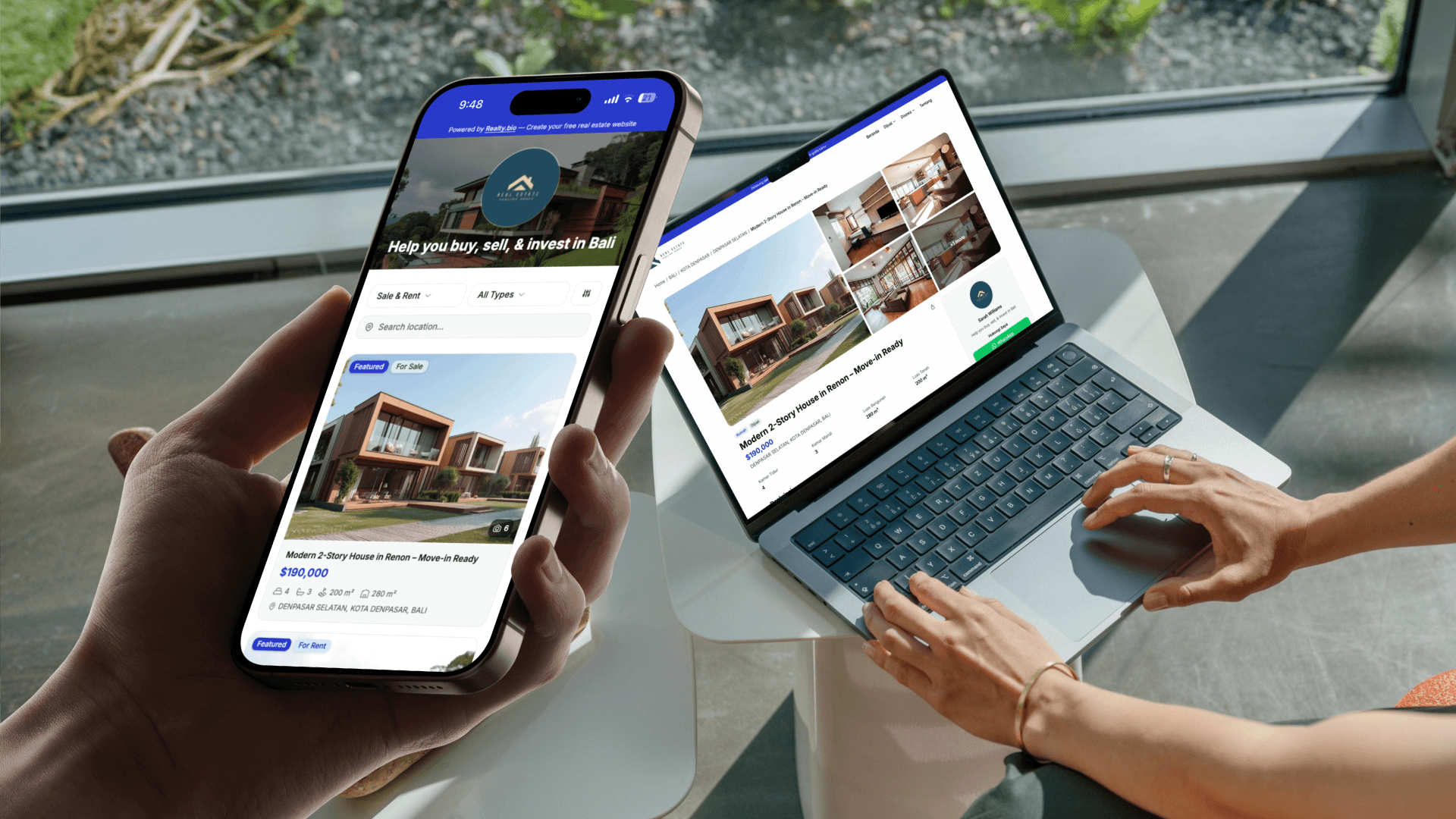
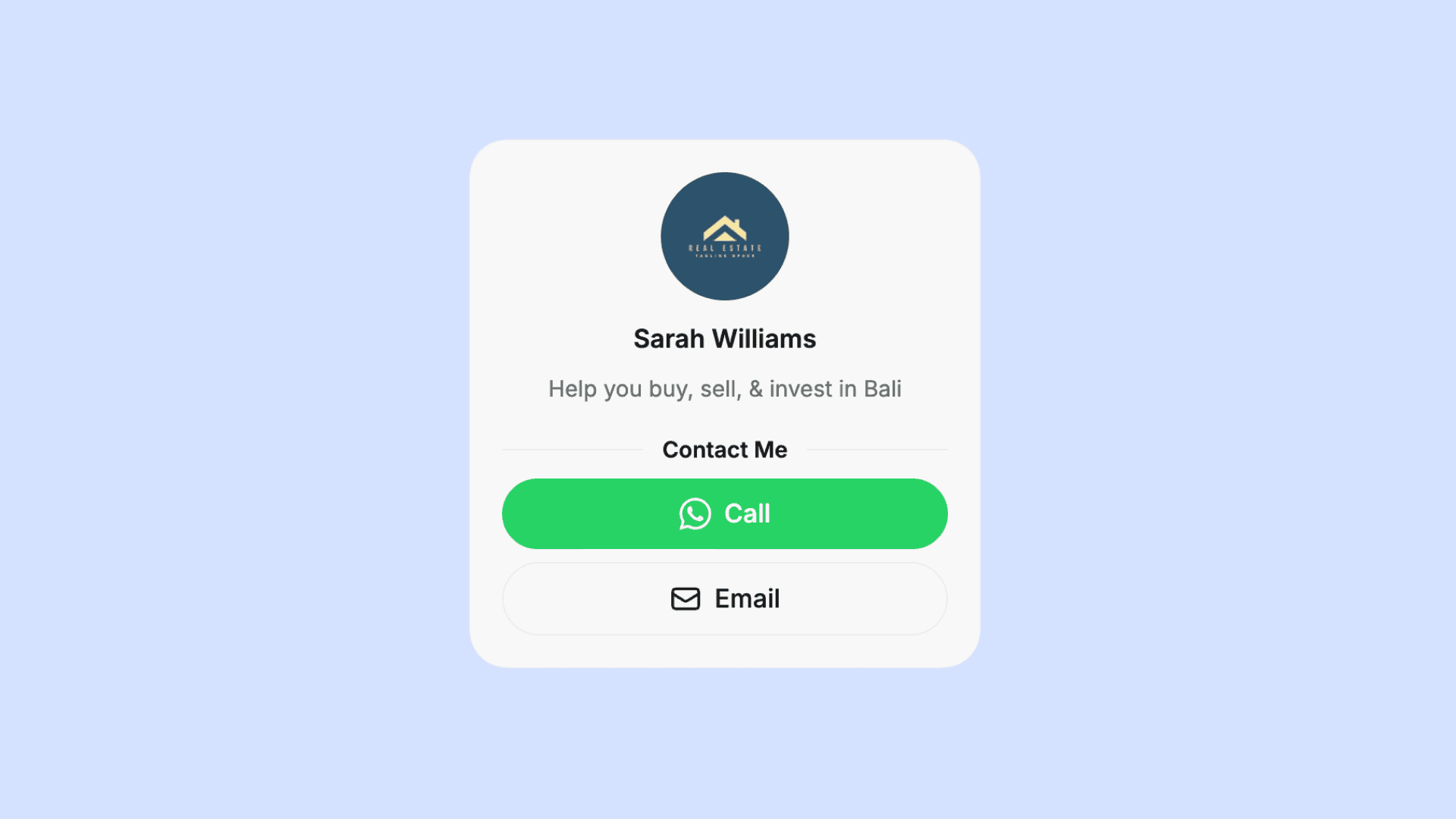
Here is where an in-platform generator changes the math. On Realty.bio, the description you generate can go live on a mobile-first listing page with photos, price, location, and direct WhatsApp and Call buttons sitting right below the copy.
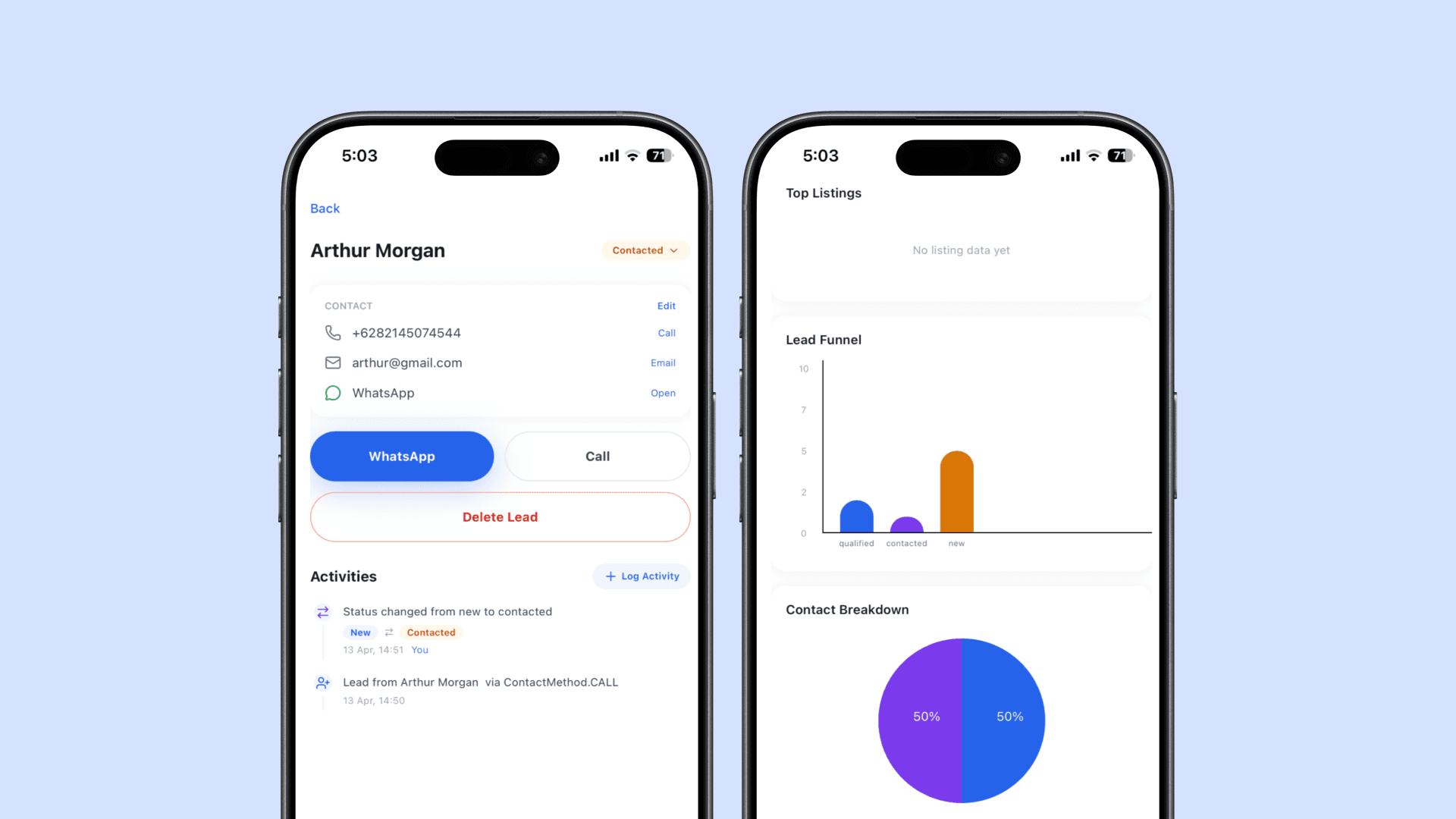
So the buyer who is moved by your description does not have to hunt for your number. They tap to message you while the property is still on their mind. That matters, because the value of capturing leads from your listings drops fast the longer a ready buyer is left waiting.
It also changes how you follow up. Because the enquiry comes from a specific listing page, you already know which property caught their eye before you reply — so your first message never has to start from zero. The generator wrote the copy; the page turned it into a conversation with context attached.
A quick checklist before you publish
Before a generated description goes live, run it past a few questions:
- Does the opening line lead with a feeling or feature a buyer cares about, not just the bedroom count?
- Is the price, location, and property type clear and correct?
- Did you pick the tone that matches the buyer — family, luxury, or investor?
- Are there photos on the page, not just text?
- Can a buyer contact you in one tap without filling a long form?
- Can you see which listing the enquiry came from when they reach out?
If the answer to the last two is no, the description is doing only half its job.
Try it on your next listing
The fastest way to judge an AI listing description generator is to feed it a real property and see what comes back. Try the Realty.bio listing description generator free — no signup needed — then publish the result on a mobile listing page where buyers can tap to message you. When you are ready to put your listings on a proper agent site, you can build a free real estate website from your phone in minutes.
FAQ
What is an AI listing description generator?
It is a tool that takes basic property details — type, location, price, size, and key features — and writes a listing title and description for you in seconds. Realty.bio's version also drafts SEO metadata and lets you publish the result directly to a listing page.
Are AI tools for a listing description generator free?
Many are free to try, and Realty.bio's generator is free with no signup required. You can test it on a real listing before deciding whether to publish a full agent site.
Will the generated description be ready for search?
The Realty.bio generator drafts an SEO title, meta description, and keywords alongside the listing copy, so the page is set up to be discovered. No tool can guarantee rankings, but search-ready metadata gives the listing a better starting point.
Can I use the copy on MLS, a portal, or Instagram?
Yes. You can copy the generated title and description and reuse them on a portal, a property page, a social post, or a WhatsApp message. On Realty.bio you can also publish it straight to a listing page and share one link everywhere.
Can I generate listing descriptions from my phone?
Yes. Realty.bio is built mobile-first, so you can enter property details, generate the copy, and publish the listing page without sitting down at a desk.
Do AI listing descriptions sound generic?
They can, if you accept the first draft as-is. Choosing the right tone preset and editing the opening line keeps the copy specific to the property. Treat the AI output as a strong first draft, then add the one detail only you noticed at the viewing.