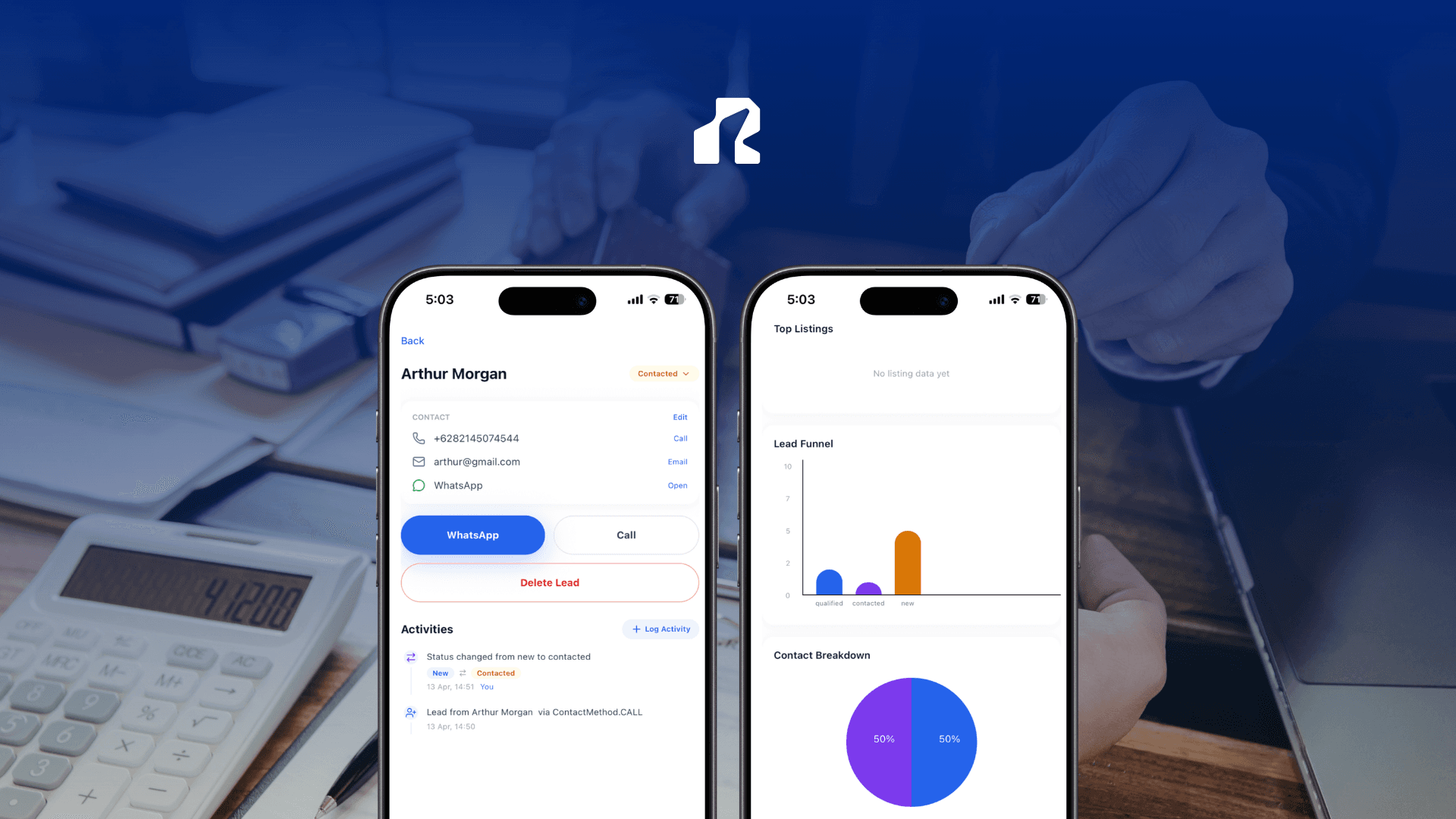
A single agent can run a website alone. A team cannot. The moment a second agent, an assistant, or an office admin needs to update a listing or follow up on a lead, a one-login website turns into a bottleneck — everyone shares one password, nobody knows who edited what, and a lead sits untouched because the person who saw it first is out at a showing.
That is the real gap behind the search for a property management platform with team collaboration: not a bigger feature list, but a way for more than one person to manage the same site without stepping on each other or losing visibility into who is handling what.
What breaks when a team shares one login
Most real estate website tools are built for a single user. That works fine for a solo agent, but it creates predictable friction the moment a second person joins:
- One shared password means no way to tell who published a change or replied to a lead.
- No role separation, so a part-time assistant has the same access as the office owner — or none at all, which blocks them from doing their job.
- Leads pile up in one inbox with no clear owner, so follow-up depends on whoever happens to check first.
- Listing updates get delayed because only one person "knows the login," even when someone else is standing at the property.
- Nobody can leave the team cleanly. Revoking access usually means changing the password for everyone.
None of this is a training problem. It is a structural gap: the platform was never built to be shared.
What a team actually needs from the platform
Before comparing tools, it helps to separate what a team needs from what sounds good on a features page. This builds on what we've covered in the easiest real estate CRM to manage and close deals and in real estate lead capture, but managing that workflow across more than one person raises its own questions:
- Separate logins for each person, so access can be granted or removed individually.
- Roles that match real responsibility — some people should manage listings and leads, others only need to view them.
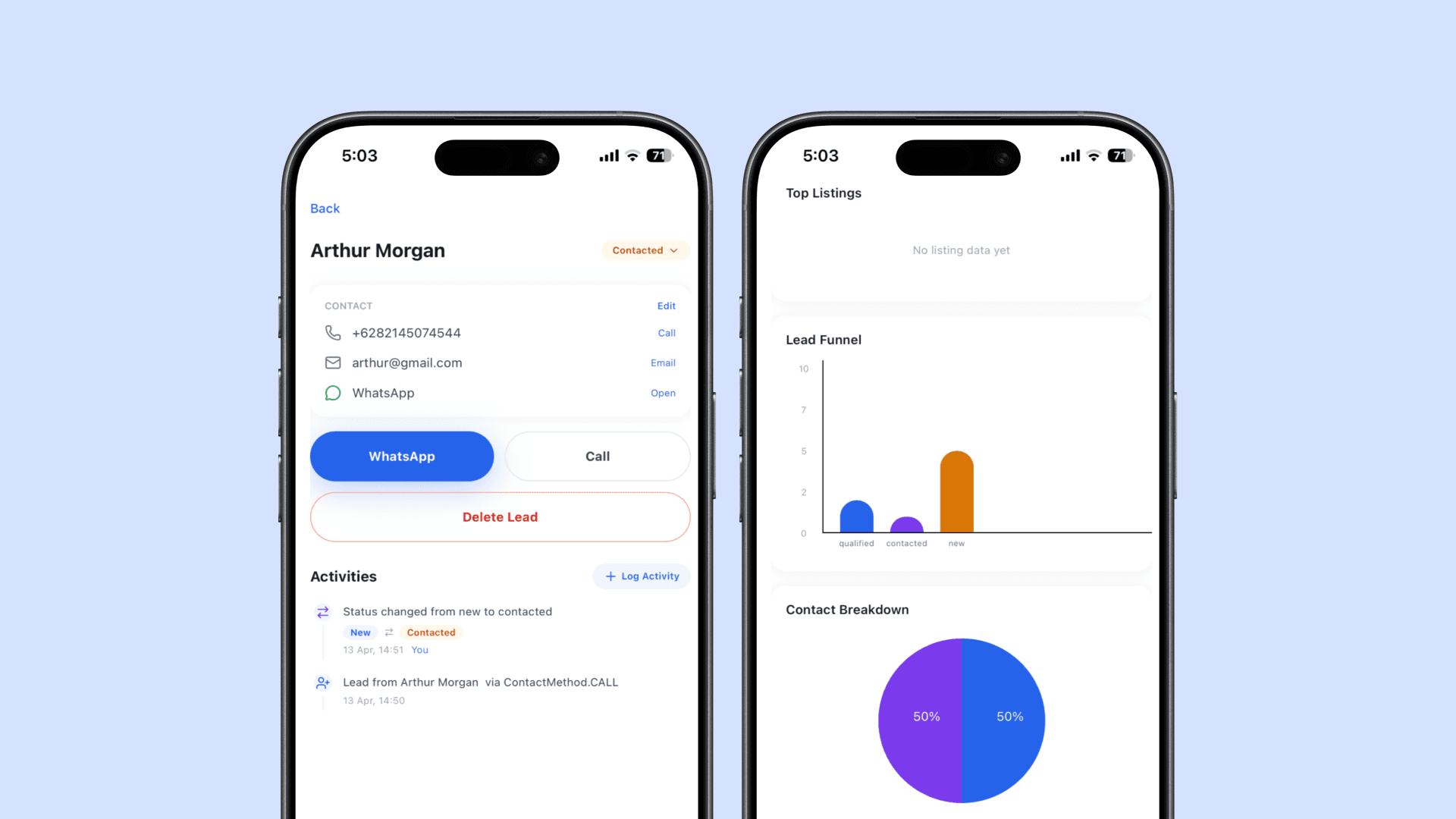
- One shared view of every lead, so nothing depends on a single person checking a single phone.
- An easy way to add or remove someone, without resetting shared credentials for the whole team.
- Everything manageable from a phone, since most real estate teams are in the field more than they are at a desk.
How Realty.bio handles team collaboration
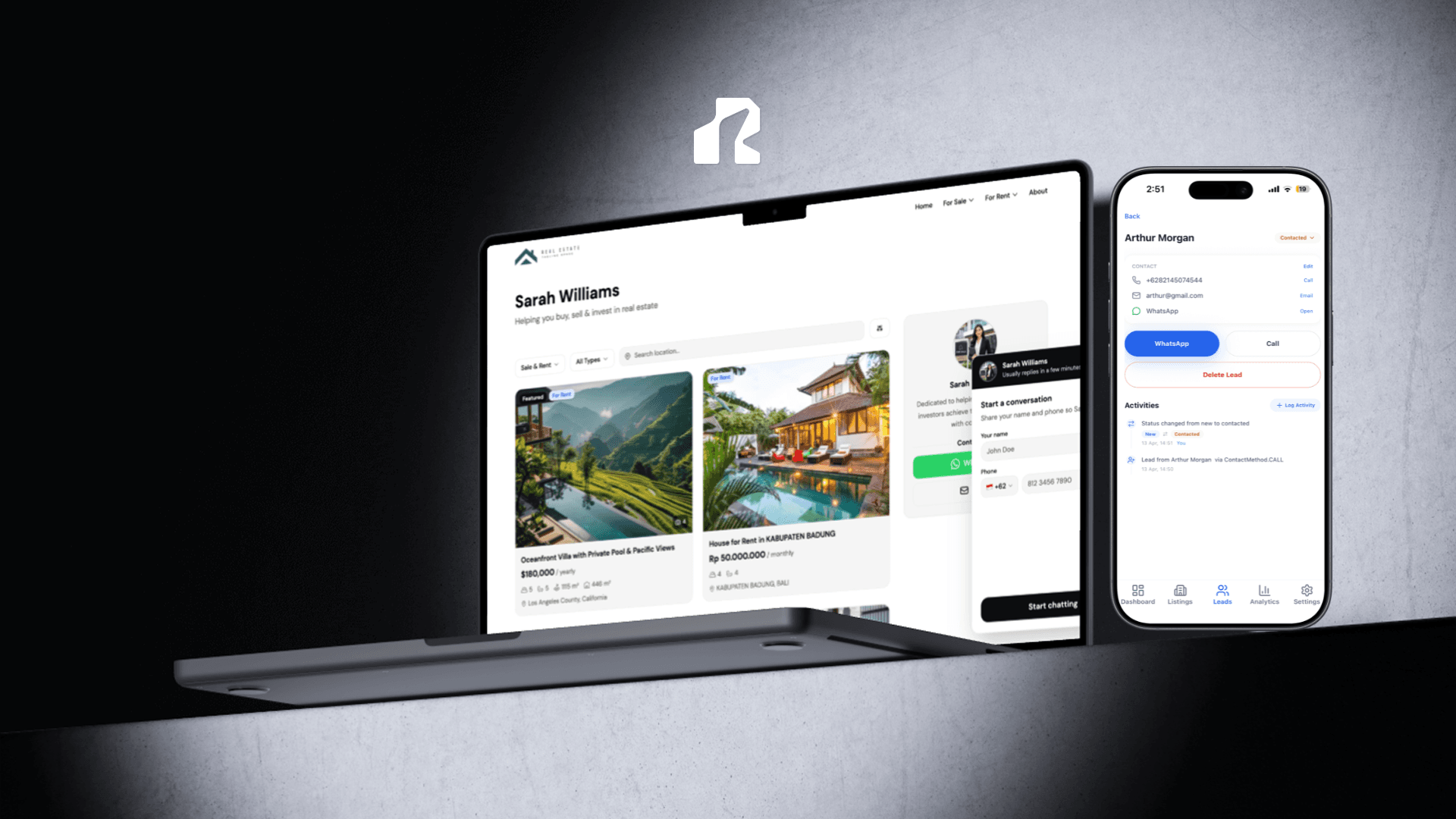
Realty.bio lets more than one person manage the same agent site, with each person invited individually and given a role that matches what they should be doing.
- Invite team members by email directly from the mobile app's Settings, no shared credentials required.
- Two roles, clearly scoped. Admins can view and manage listings, view and manage leads, edit site settings, and invite other members. Members can view listings and view leads and analytics, but cannot edit the site or send invitations.
- One shared site, individual access. Everyone works from the same
yourname.realty.biosite and the same lead inbox, so a listing update or a new enquiry is visible to the whole team, not locked inside one person's account. - Invitations that expire and can be cancelled, so access stays current as the team changes.
- Role changes and removals happen in-app, letting an admin adjust who can do what without touching a password.
For a two-person team, that might mean the lead agent keeps admin access while a new assistant gets member access to see listings and leads before earning edit rights. For a small brokerage, it can mean several admins managing listings across the same site while the office owner keeps a full view of every lead coming in.
A practical setup for team-managed listings
- Publish your site and add your first listings as usual, from your phone or the web.
- Open Settings in the Realty.bio app and invite a team member by email.
- Choose their role: Admin for someone who should manage listings and leads, or Member for someone who only needs visibility.
- The invited person accepts from their own device and gets their own login — no shared password to track.
- Split listing updates and lead follow-up across the team, since everyone sees the same site and the same lead activity.
- Adjust roles or remove access in Settings as the team changes, without disrupting anyone else's login.
Checklist before you add a team member
- Does the platform give each person their own login, not a shared one?
- Can you tell the difference between someone who should edit listings and someone who should only view them?
- Is every lead visible to the whole team, not trapped in one person's inbox?
- Can you remove someone's access without changing the password for everyone else?
- Can invitations, role changes, and site updates all happen from a phone?
Manage the site together, not around each other
A property management platform with team collaboration should make it easier to split the work, not harder to keep track of who did what. When each person has their own access, a role that matches their job, and a shared view of every listing and lead, a team stops depending on one person's memory to stay coordinated.
Realty.bio gives real estate teams a mobile-first way to invite members, assign Admin or Member roles, and manage listings and leads from one shared site. Start free and invite your first team member at yourname.realty.bio.
FAQ
Can more than one person manage a Realty.bio site? Yes. Site owners can invite team members by email from the mobile app's Settings, and each person gets their own login to the same site.
What is the difference between an Admin and a Member? Admins can view and manage listings, view and manage leads, edit site settings, and invite other members. Members can view listings and view leads and analytics, but cannot edit the site or send invitations.
Do team members share a password? No. Every invited team member gets their own account. There is no shared login to track or change when someone leaves.
Can I remove a team member's access later? Yes. Roles and membership are managed in Settings, so you can update a role or remove someone without affecting anyone else's access.
Do all leads go to one inbox everyone can see? Yes. Leads and analytics are visible to everyone on the site according to their role, so follow-up does not depend on a single person checking a single phone.
Is team collaboration available on the free plan? Team invitations are managed from the mobile app's Settings for your Realty.bio site. Check current plan limits in the app when inviting members, since availability can depend on your plan.