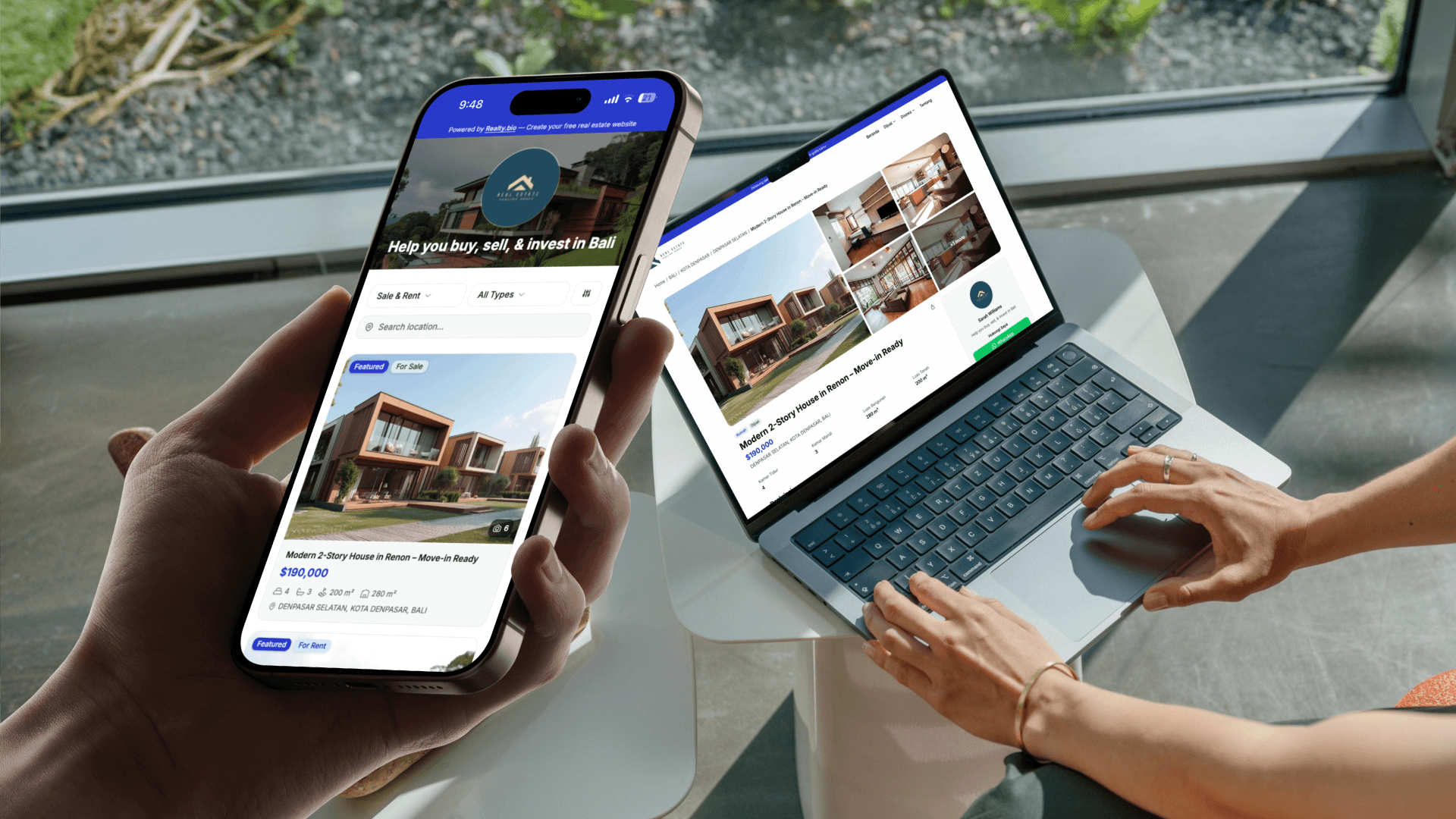
Most real estate CRMs are built for offices. They assume you have a laptop open, an assistant entering data, and an hour every morning to review pipelines. For agents who spend their day showing properties, driving between appointments, and answering WhatsApp messages from parking lots, that model does not work.
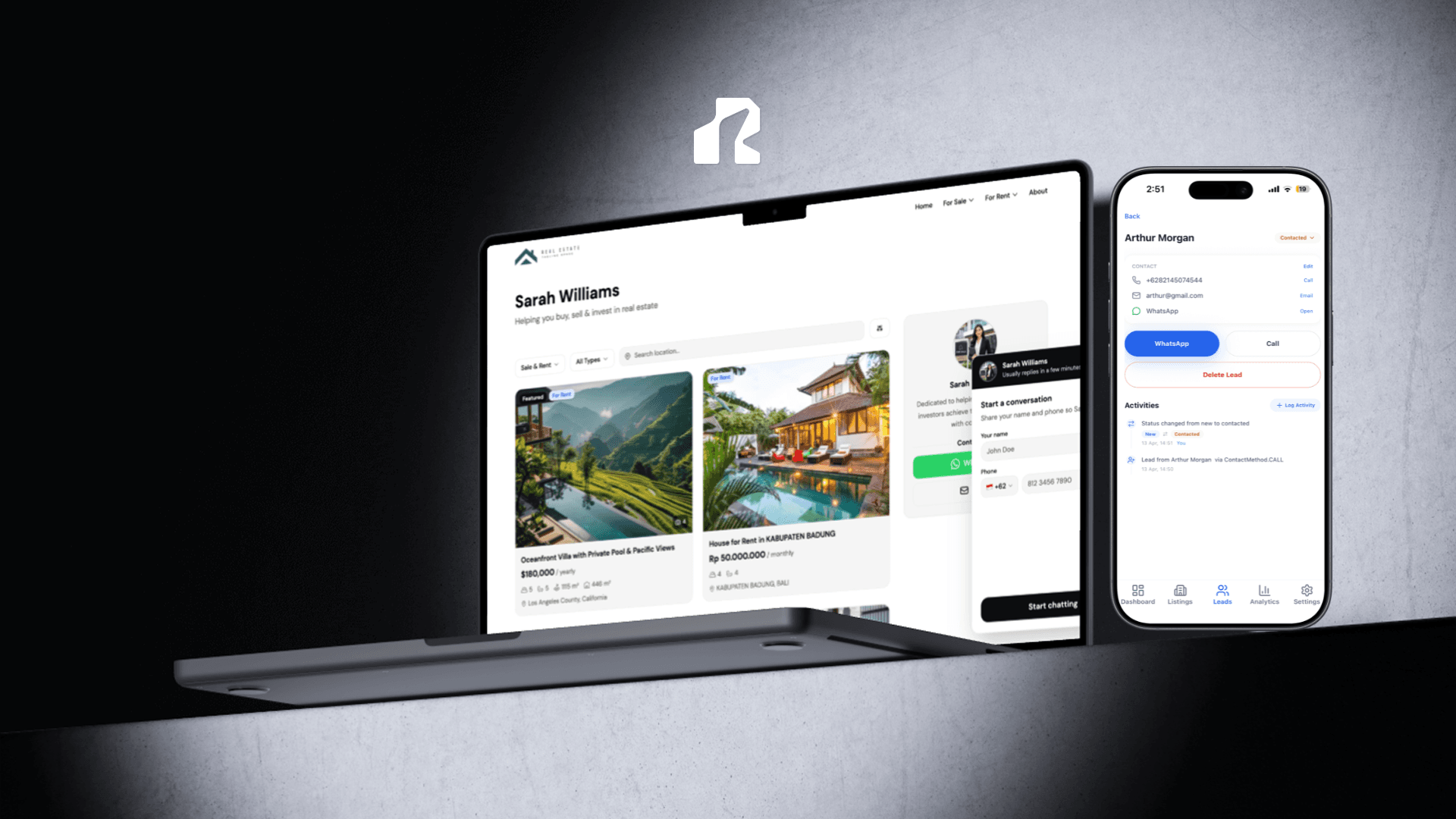
Realty.bio includes a lightweight CRM built for agents who manage leads from the field, not from a desktop dashboard.
Leads are captured automatically
When a visitor taps WhatsApp or Call on your Realty.bio site, they fill in a short form with their name, phone, and email. The moment they submit, a lead record is created in your app. You do not need to copy phone numbers from WhatsApp into a spreadsheet or remember which listing they were viewing.
The lead arrives with context attached: which listing triggered the contact, every property they viewed before reaching out, and what they searched for on your site. That context becomes part of the lead record, not a separate report you need to dig up later.
A pipeline that matches how real estate actually works
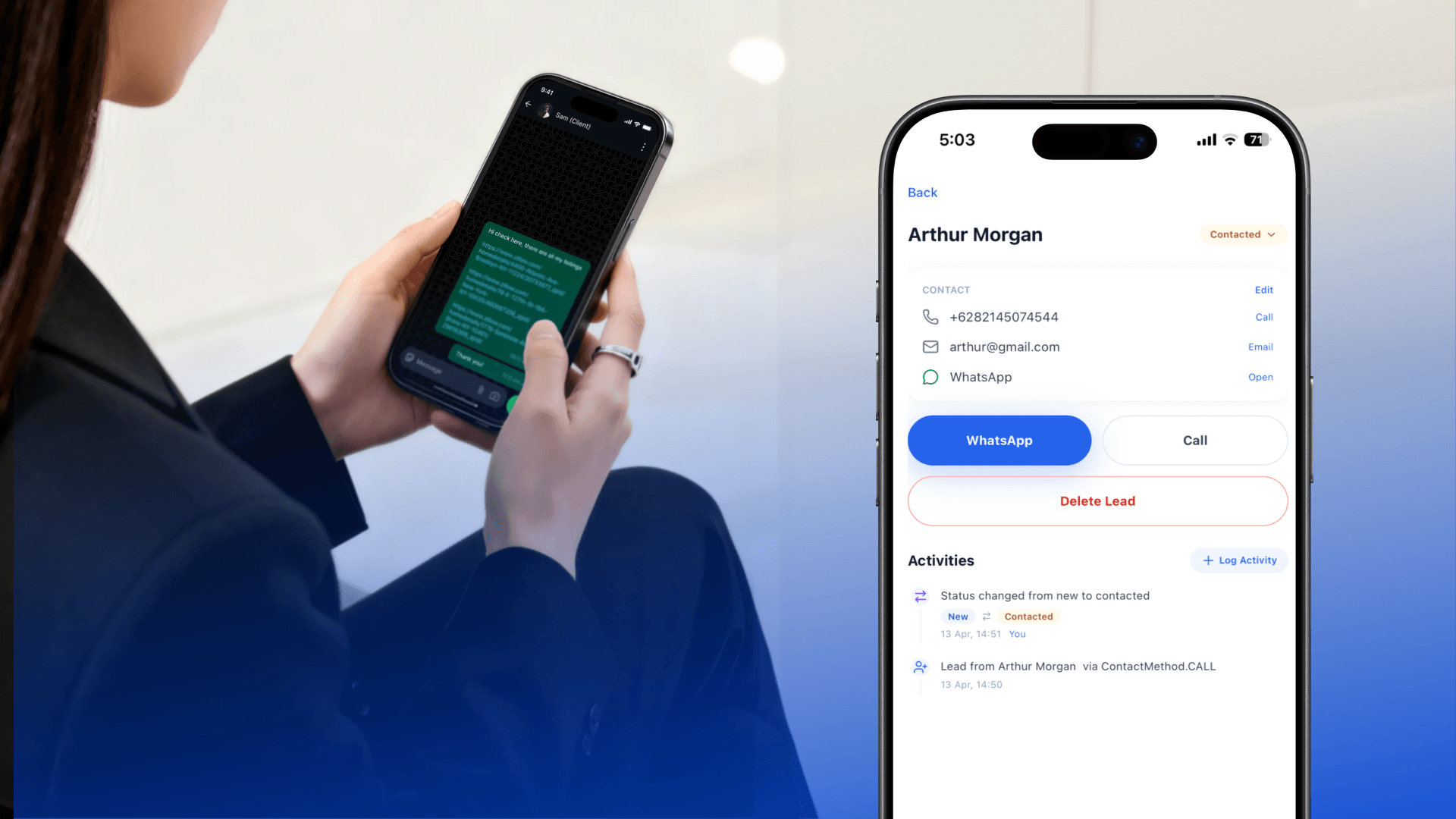
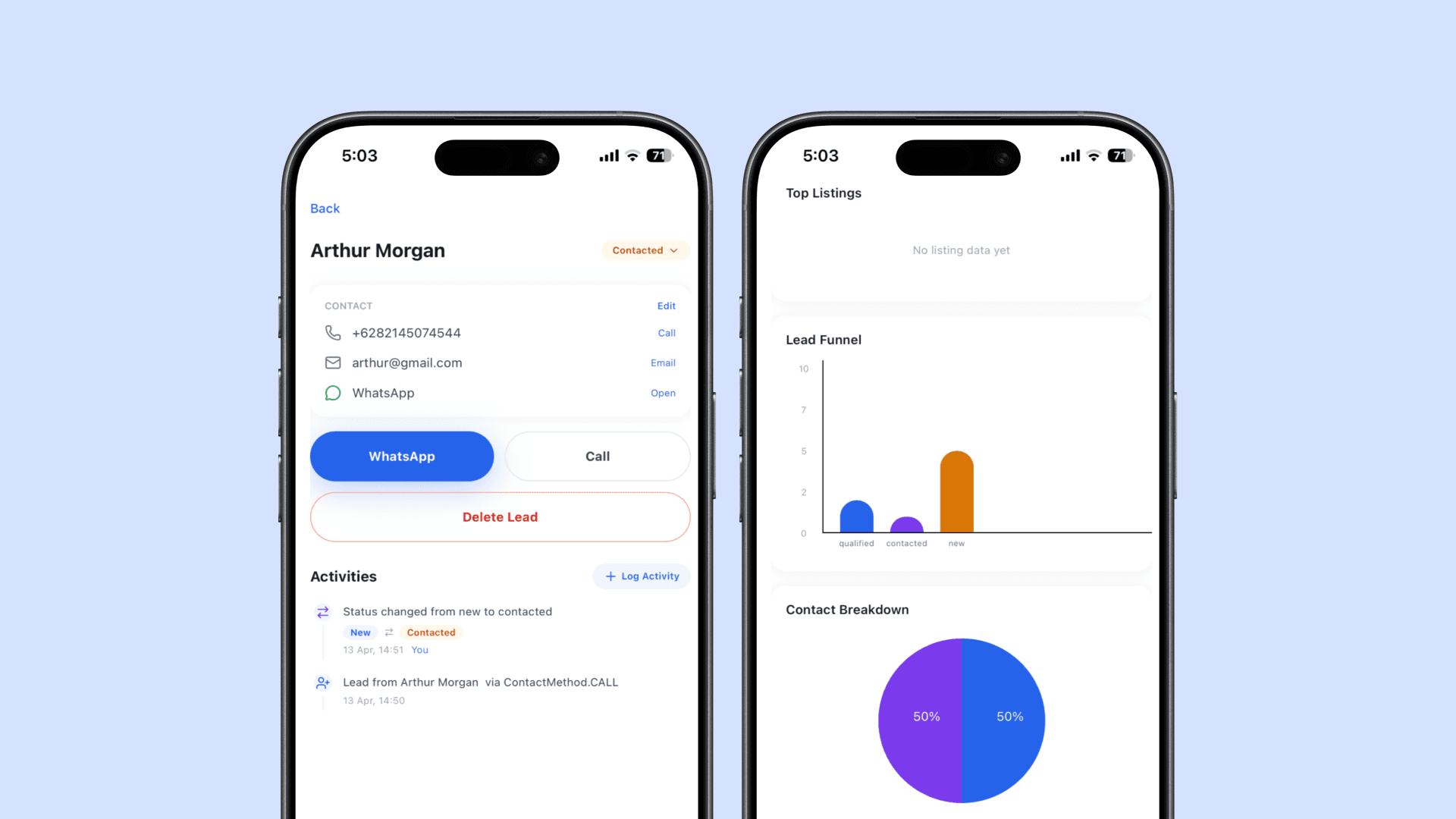
Leads move through five clear statuses: New, Contacted, Qualified, Deal, and Lost. When you change a status, the update is saved instantly and the change is logged in the lead's timeline.
This gives you a real-time view of where every prospect stands. You can filter your lead list by status to see who needs a follow-up today, who is ready for a viewing, and which deals have gone quiet.
Every interaction is recorded
Each lead has a full activity timeline that shows everything that happened, in order:
- Automatic events from the buyer's behavior: pages viewed, listings opened, WhatsApp taps, call taps
- Your own actions: status changes, notes, follow-up reminders, site visits, emails sent
Instead of trying to remember what you promised a buyer last Tuesday, you open the lead and see the entire history. The timeline is visual, with color-coded icons and timestamps, so you can scan it in seconds and know exactly where things stand.
Push notifications keep you fast
When a new lead comes in, your phone gets a notification immediately. You see the buyer's name and which listing they are interested in before you even open the app.
Speed matters in real estate. The agent who replies first often wins the lead. Push notifications remove the delay between a buyer reaching out and you knowing about it.
Add leads manually when needed
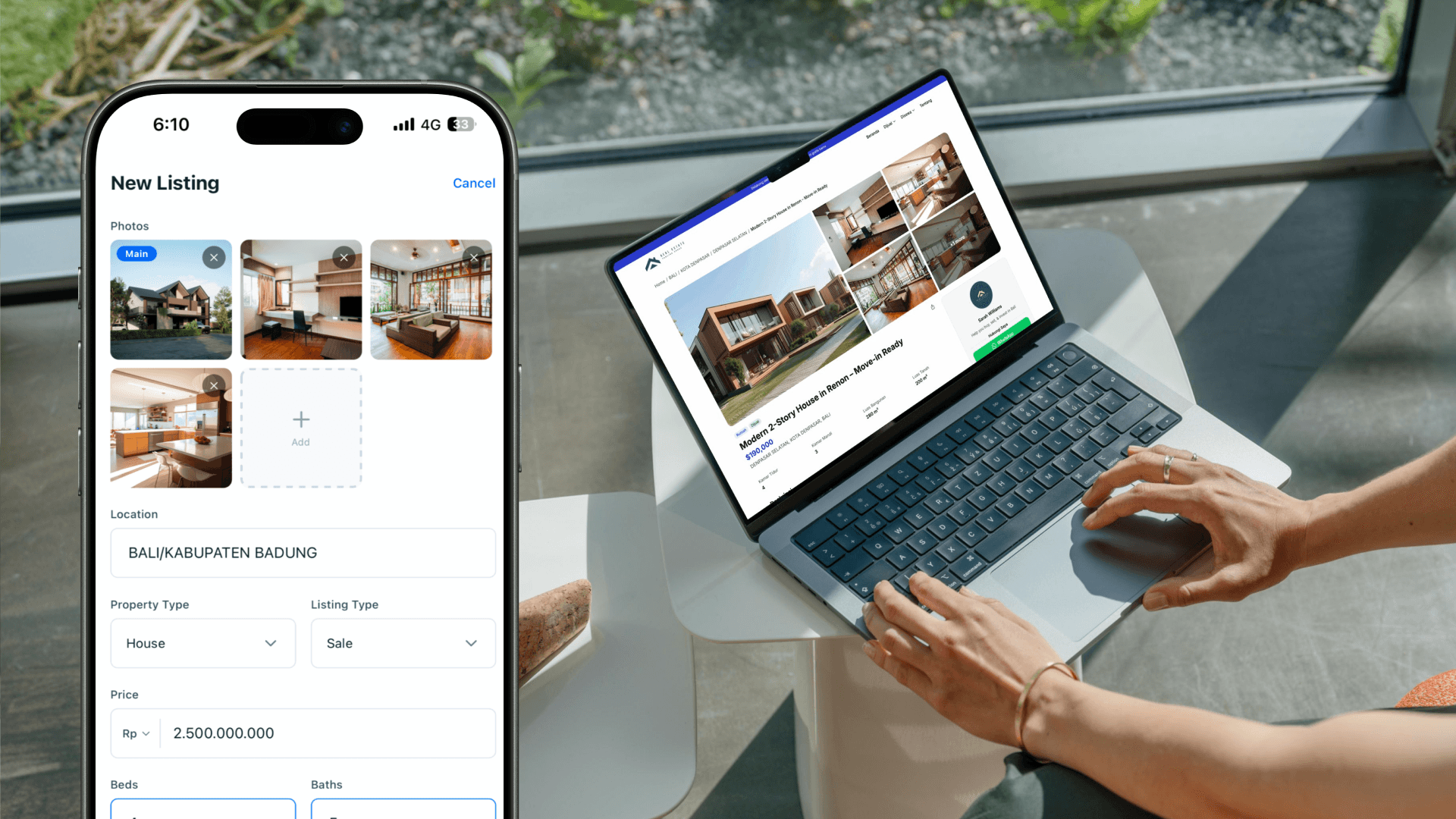
Not every enquiry comes through your website. You can create a lead manually from the app, enter their details, link them to a listing, and add notes about where you met them or what they are looking for. The manual lead works exactly the same as an auto-captured one: same pipeline, same timeline, same follow-up tools.
Analytics show what is working
The CRM connects directly to your site analytics. You can see:
- How many leads you captured this week versus last week
- Which listings generate the most enquiries
- Whether buyers prefer WhatsApp or phone calls
- Where your leads are in the pipeline right now
These numbers help you decide what to promote, which listings need better photos or pricing, and where your time is actually producing results.
Everything is in one place
You do not need a separate CRM subscription. You do not need to sync contacts, export CSVs, or learn a new interface. Your website, your listings, your leads, and your analytics all live in the same mobile app.
That simplicity matters when you are managing your business between showings. You open one app, check your recent leads, update a status, and get back to work.
What this means for your daily workflow
Here is what a typical day looks like with the Realty.bio CRM:
- A buyer taps WhatsApp from your Miami listing at 9 AM. You get a notification, see their name and the property they viewed, and reply with context before your first appointment.
- Between showings, you update two leads from Contacted to Qualified and add a note about a buyer who wants to schedule a second viewing.
- In the evening, you check your pipeline and notice three leads in the New status that still need a first reply. You prioritize the one who viewed the waterfront property twice.
No spreadsheet. No desktop login. No data entry. Just your leads, your context, and your next move.